Features
Everything you need to go from first draft, through review, to a published document.
The features that we think matter most for creating documents where every word matters.
Features
The features that we think matter most for creating documents where every word matters.
Draft
When opening the editor, the first thing to do is to get all your ideas down and set up the overall structure. It deliberately does not slow you down with formatting minutiae. Instead, you apply a layout right before publication to ensure all your documents look consistently great.
The document model for each artifact can be configured to your needs. Numbered or plain, set it up once for your concrete needs.
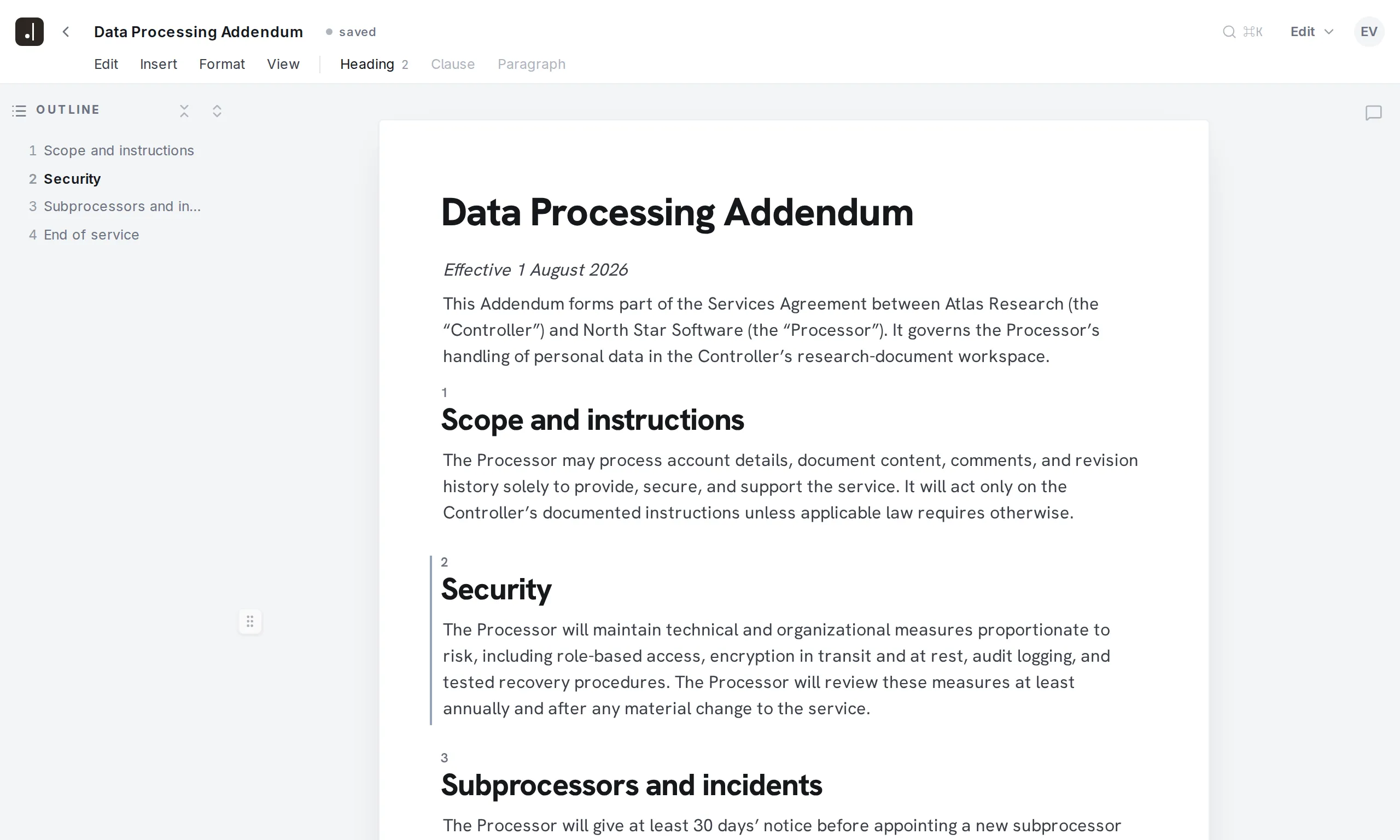
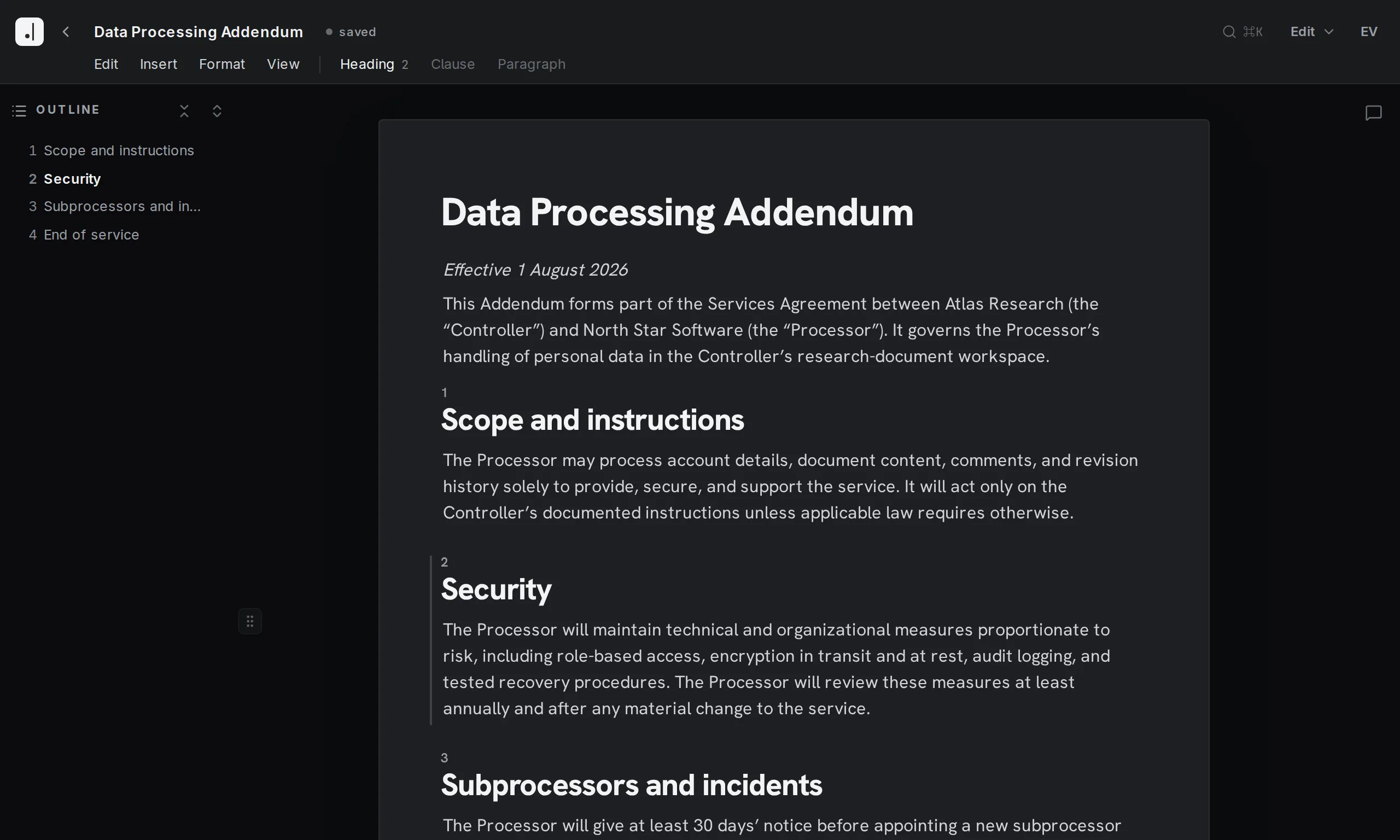
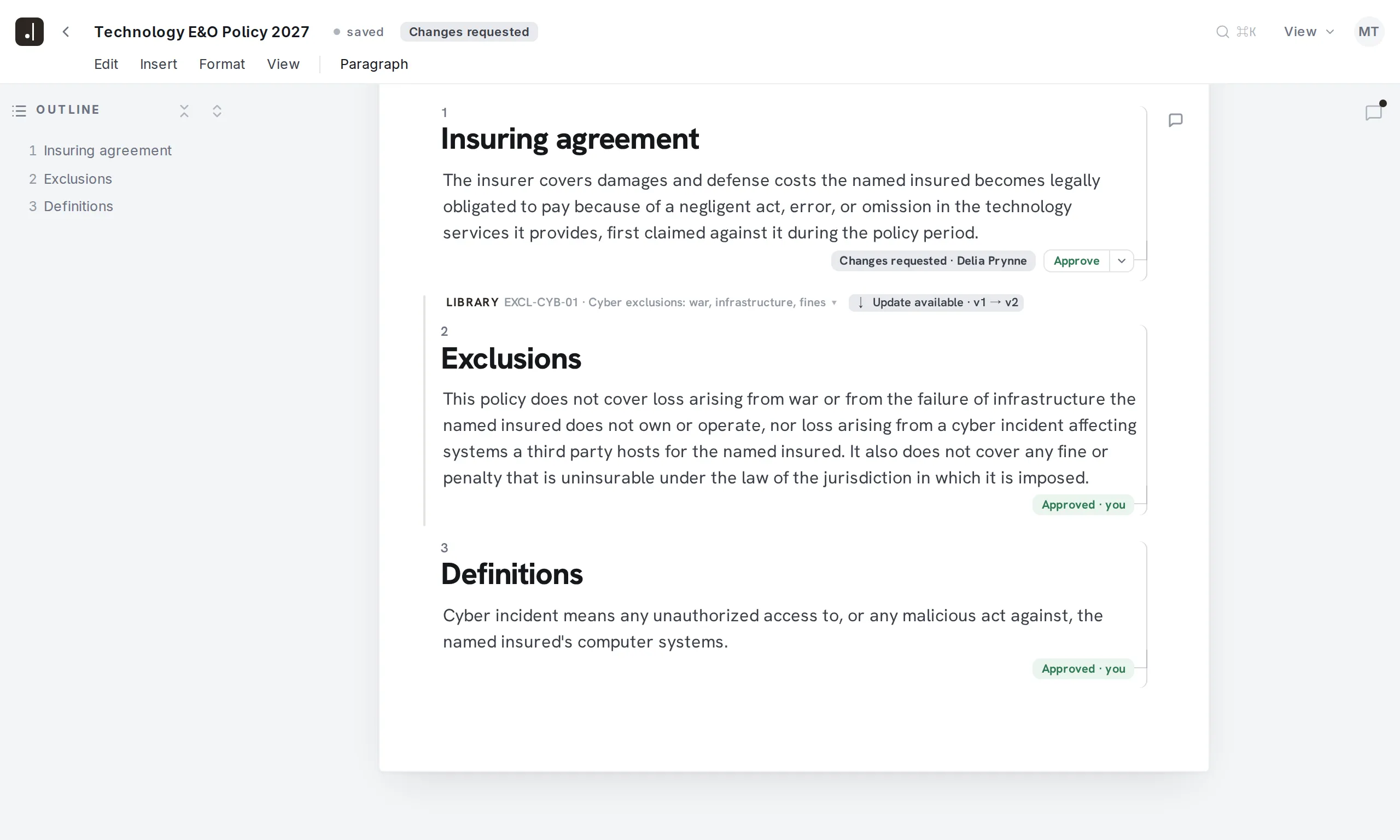
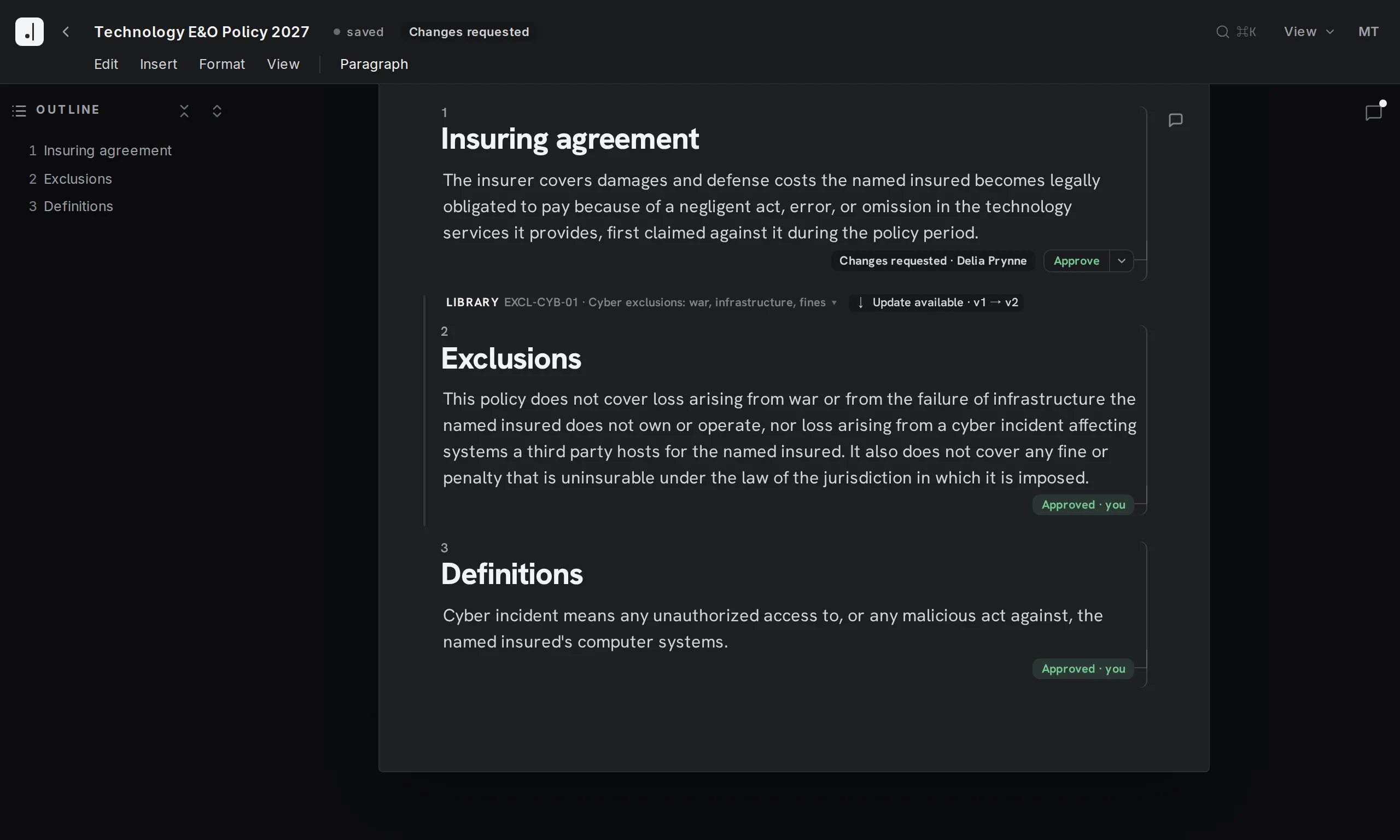
Whether you want to reuse common phrases, or have iterated hard to get a specific clause just right and want to ensure that it is consistently used across your document corpus: Wordings have you covered. These are peer-reviewed snippets you can use in your documents. Easily find all documents using a given wording, and update them whenever a new wording is released. Have a special case? No problem, just document why this instance diverges from the common text.
The cornerstones of dynamic documents are variables. Whether it be names, dates, or prices, easily configure placeholders and pass their concrete values upon document creation. You can also structure your document with logical branches and thus show or hide parts of the document based on an input value. For advanced settings you can even write loops based on variables, so the document practically writes itself.
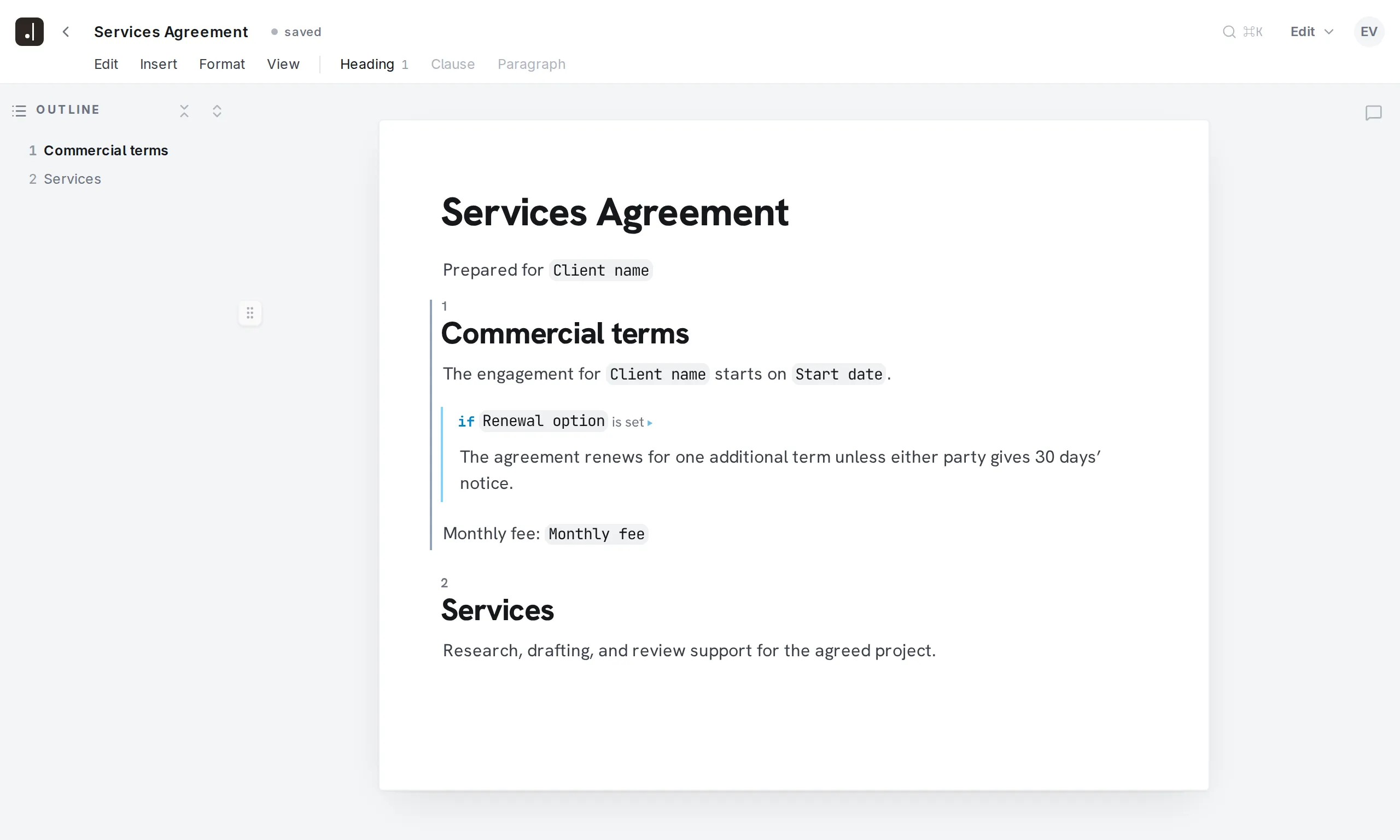
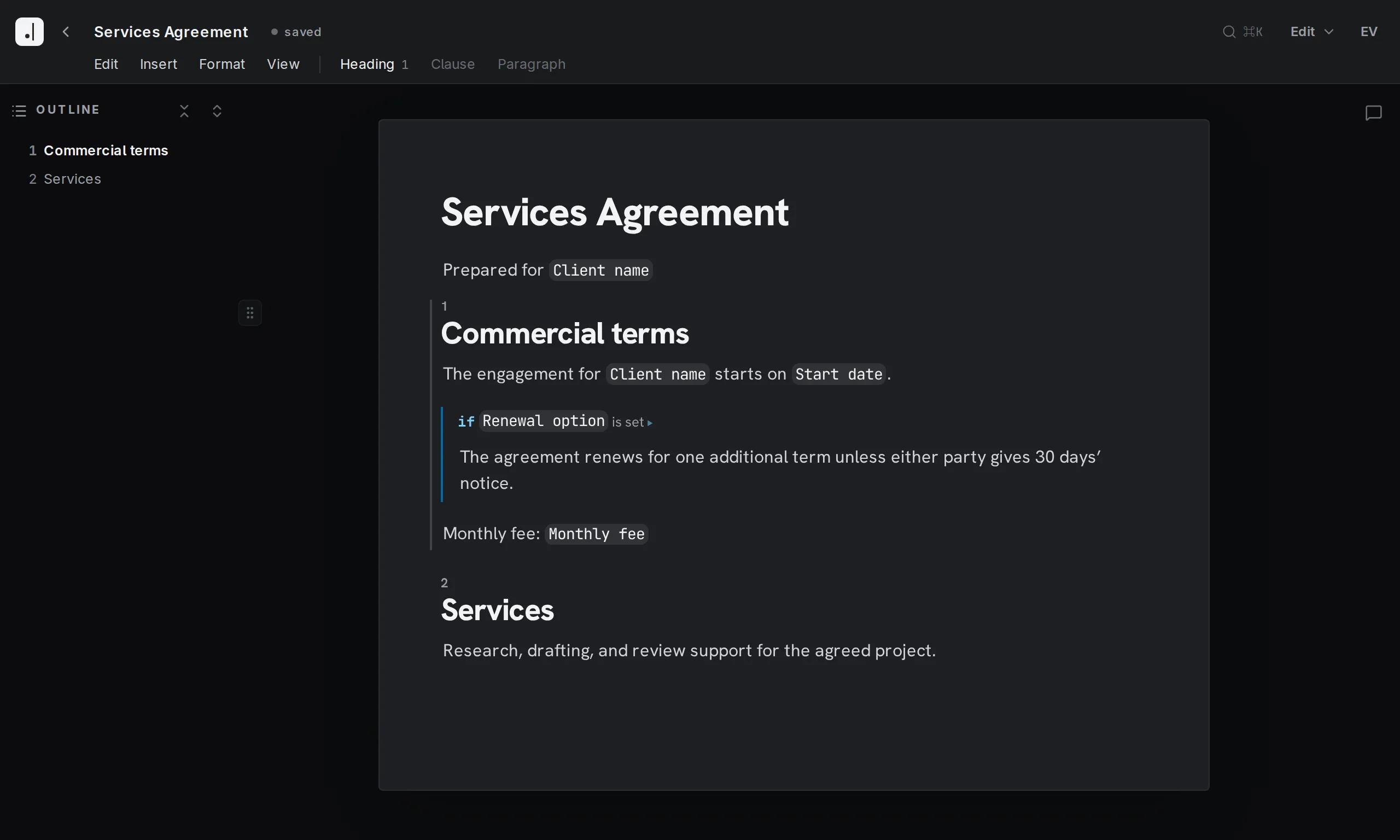
Scenarios group common default parameters for the variables, and can be quickly applied to generate a document for those cases.
Beyond wordings you can mark entire documents as templates to speed up the creation of similar drafts. Either create a full copy, or pre-fill some variables and the resulting document will only show you the reduced set for the desired use case.
If enabled, you can ask questions about your document, have parts or all of it reviewed, or even have it edited automatically.
Ever wondered how a specific part of a document changed over time? Just open the time machine to see all distinct previous versions, including who wrote them and when.
Collaborate
To collect as much input as possible and as fast as possible, you can just invite any external collaborator as a guest to specific documents. They can only see what you explicitly share with them, and never edit your prose. But they can leave you comments and text suggestions.
Get the most out of your team’s resources with the enhanced comment feature. Naturally you can comment on anything and start conversations. Tag the people you want to loop in. Assign comments so one person is clearly responsible (and can easily see what is waiting on them). If you have external guests invited to a document, mark comments as internal so only your colleagues see them. Every comment tracks its full history as well. Once done, mark them as resolved. If something is critical in your opinion, mark it as “blocking approval” and the document will not go out until that point is clarified.
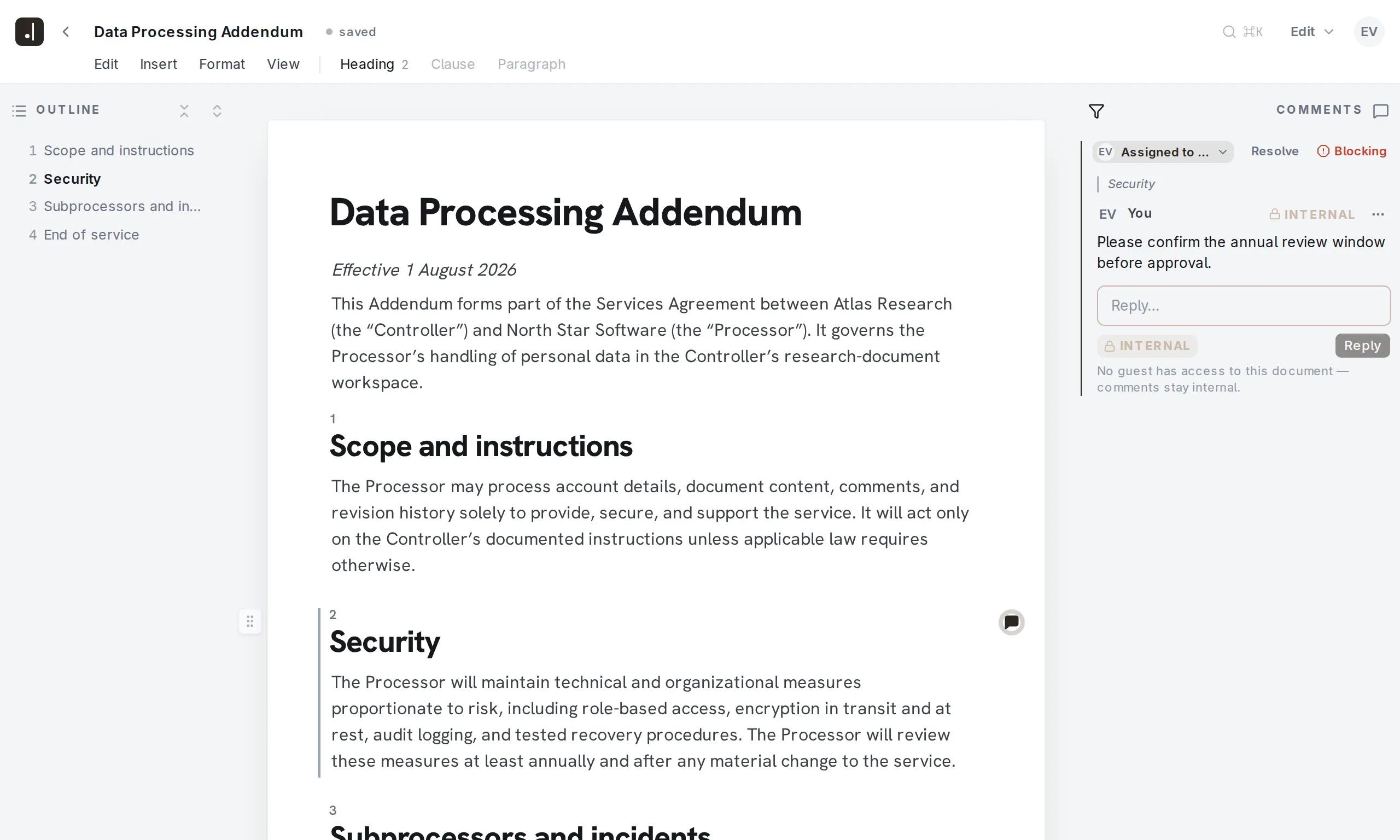
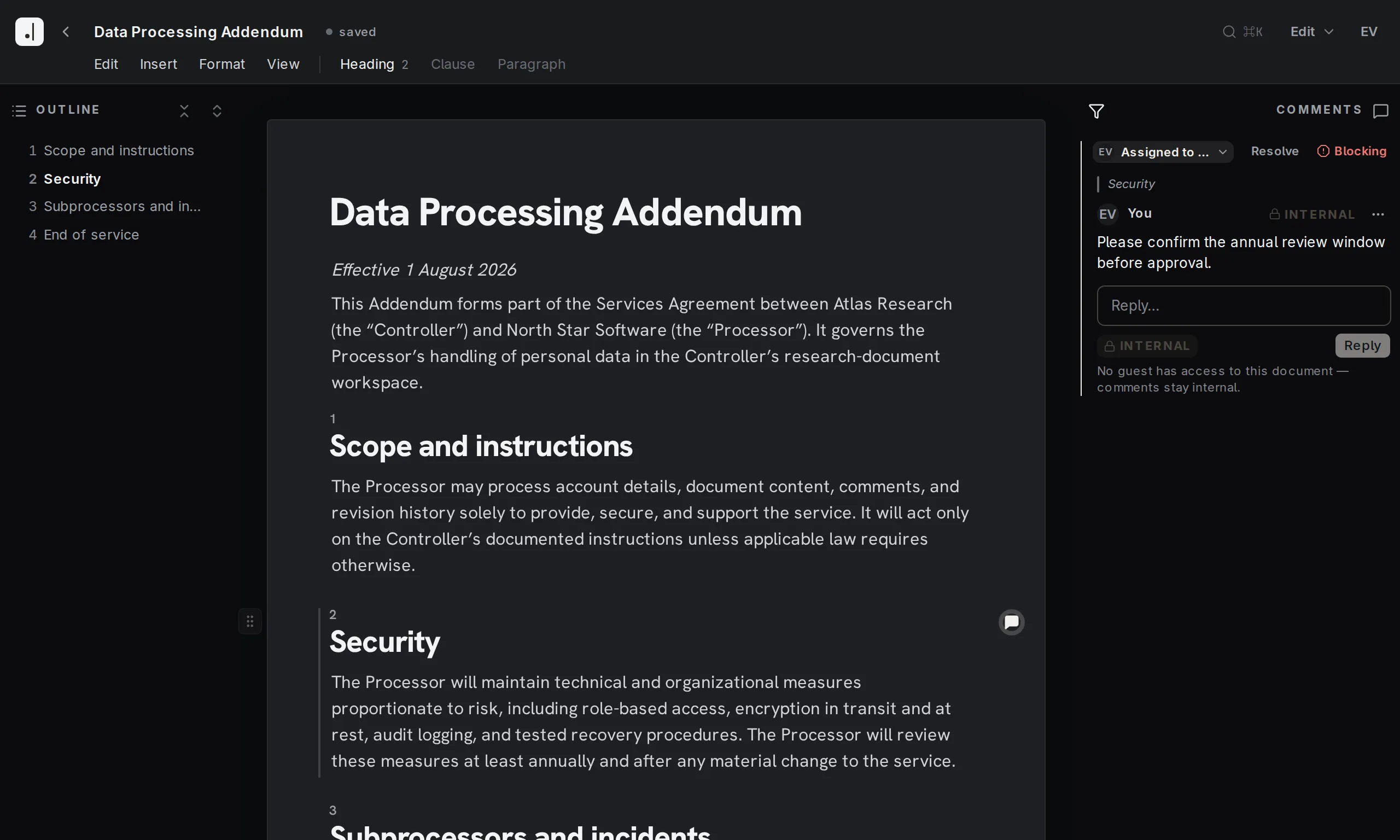
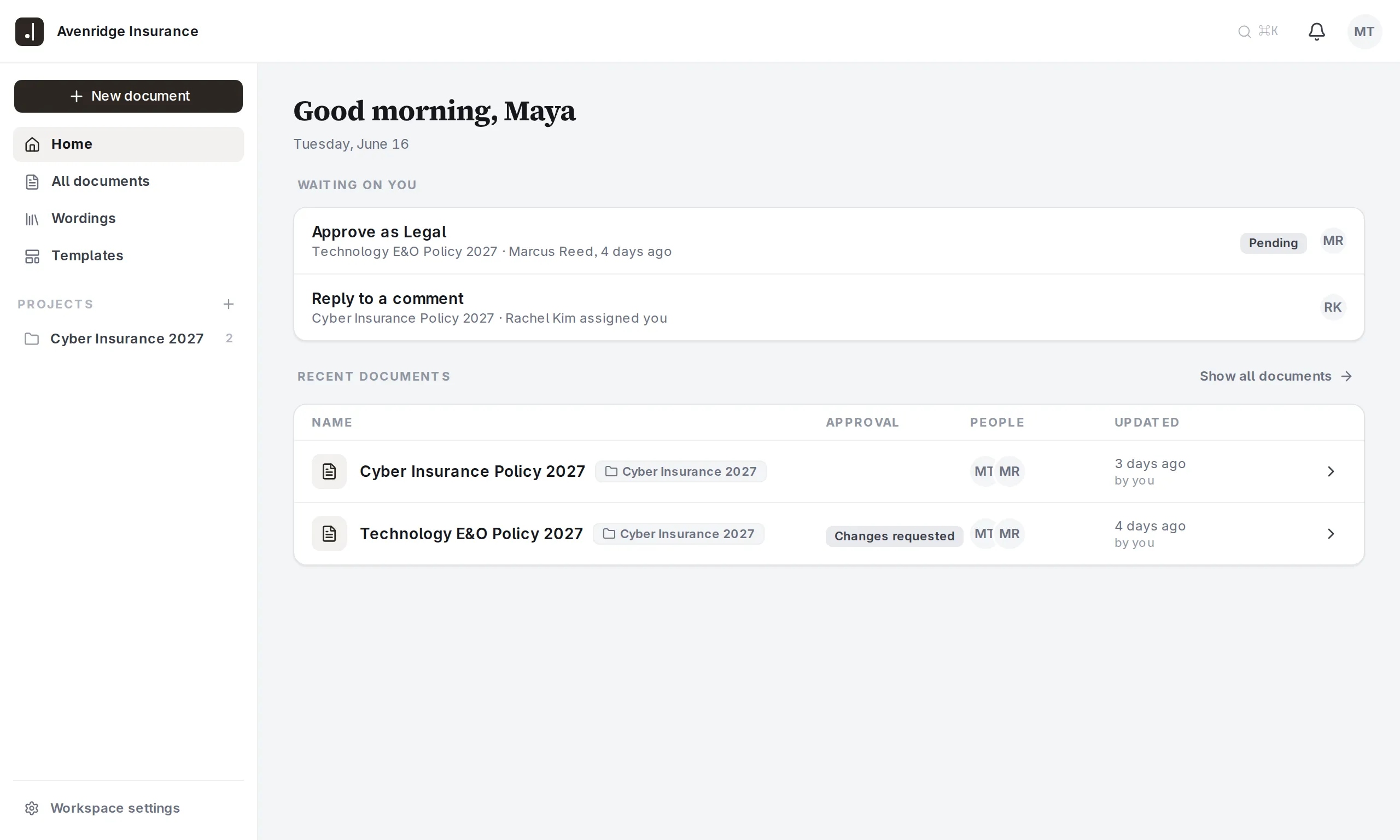
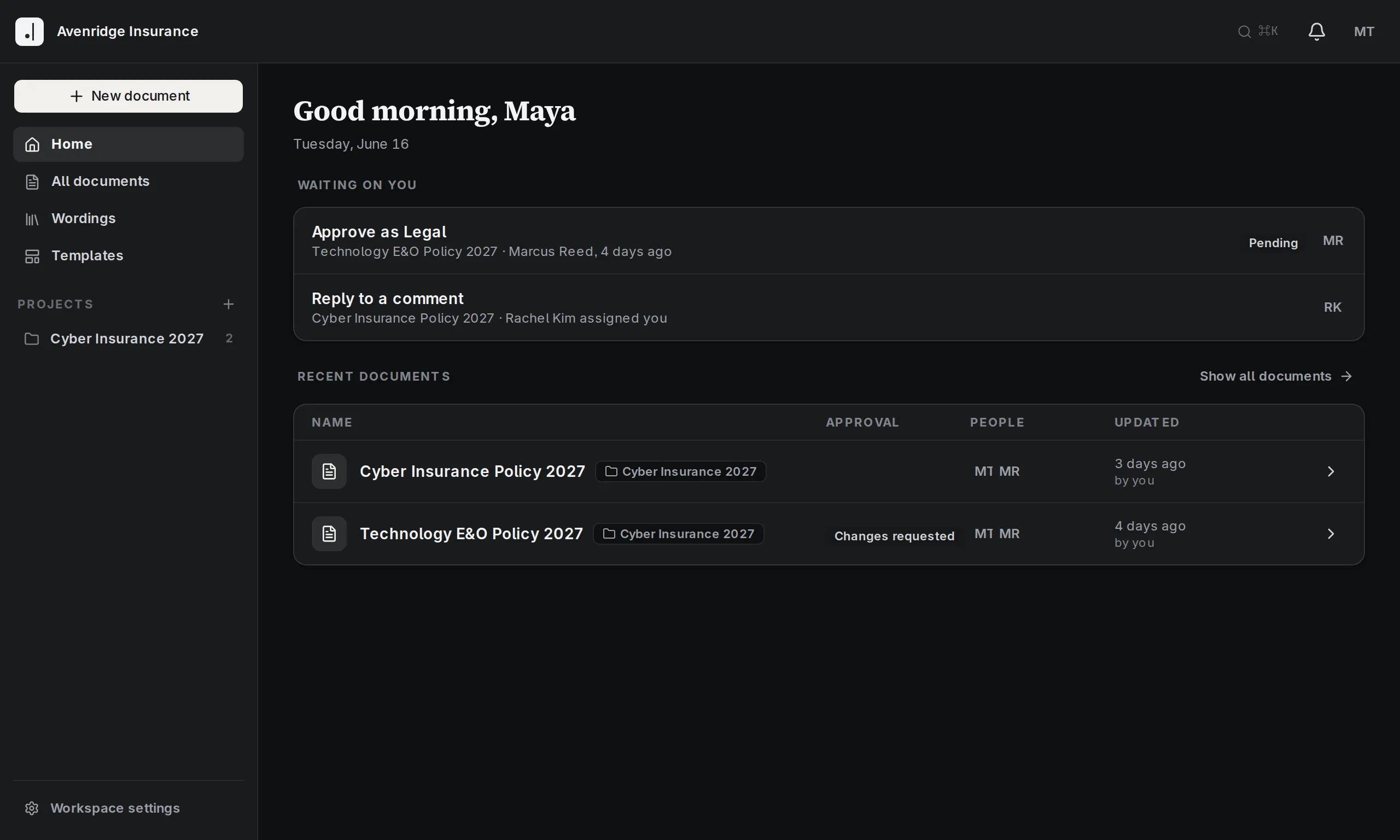
When you log in, you can easily see your open assigned comments and the documents and wordings which wait on your approval, as well as the in-progress documents you’re currently working on.
Comments are great to improve the document iteratively. But once you have landed on a decision, you might want to document it so it doesn’t come up again and won’t get changed by accident. Use notes directly inside your prose as context during document creation. Exports will never show them.
Workspaces offer comprehensive administration capabilities to fit your company’s needs. Assign roles and permissions to users for granular control over who can do what where, and structure all documents inside projects to make authorization simple and seamless.
Review
Easily find any previous version by timestamp or author. Manually marked checkpoints are highlighted with their succinct description. You can easily compare whole documents, or even just single passages (see time machine above), over time.
Inside each document, every sentence, word, and character is attributed to its author. If AI-assistance was used, this is tracked alongside. If there is ever a question about how a certain phrasing came to be, now you can easily find out.
Specify who needs to approve the document before it can go out. Configure individuals or teams of approvers, e.g. a department from which at least one person needs to give a thumbs-up. Once the review process has been started, the assigned approvers will be notified until they have completed their part. Every approval and update to them is tracked in an immutable log. And if a passage gets changed after it has been approved, the approval is voided and queued for re-approval.
Publish
Automatically generate bespoke documents via the API. Pass the input variables and receive the personalized PDF document in return.
In case there is that rare, one-off document which does not fit the automation approach, you can export the current state to a simple docx file and use your local word processor to shape it as needed.
Instead of defining the formatting during document creation, a layout is applied only on final document generation. You can specify these individually per document, or use shared ones across projects or the entire workspace.
See it for yourself
Sign up for a free trial to see all the features working on your own documents. Or send us your trickiest documents, and we’ll show you how to streamline your workflow.
€99 per author per month.
Everyone else collaborates free of charge.